filebench 环境搭建
filebench
下载
wget https://jaist.dl.sourceforge.net/project/filebench/1.5-alpha3/filebench-1.5-alpha3.tar.gz
tar -zxf filebench-1.5-alpha3.tar.gz -C /usr/local
apt-get install gcc
apt-get install flex bison
安装
cd /usr/local/filebench-1.5-alpha3
./configure
make
make install
安装完成后的界面: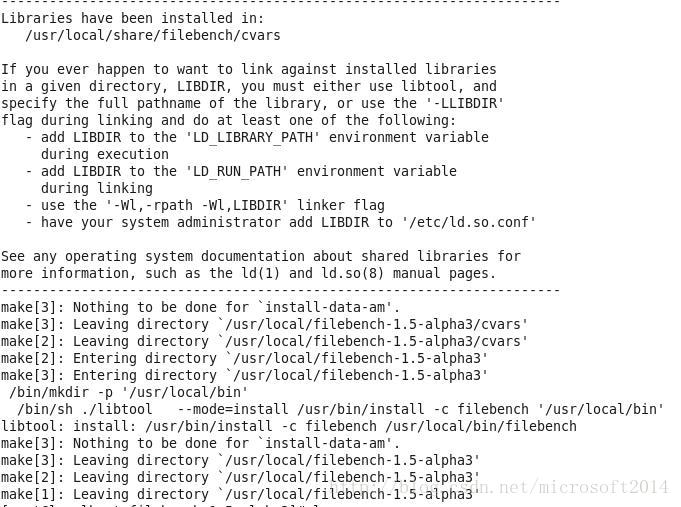
测试
cd /usr/local/share/filebench/workloads
filebench -f webserver.f
Workload model language解析
以videoserver.f为例:
1 | set $dir=/tmp |
workload最后必须要有run。
define fileset定义数据集:prealloc代表在实际的filebench工作负载启动之前预先分配的文件的百分比;reuse若设置为true,则如果在文件系统中存在相对应的文件,则filebench将重新使用该文件。
在workload中,run默认时间为60s,如果希望达到指定IO操作数就结束filebench,则可以使用finishoncount,语法为:
flowop finishoncount name=<name>,value=<ops>
- name = Mandatory. Name of the flowop.
- value= Mandatory. The number of operations to finish on.
参考资料: